Trade with the power of TradingView charts on Connext
Access TradingView's industry-leading charting tools within Connext. Perform in-depth analysis and execute trades efficiently, within a streamlined workflow that brings analysis and execution together.

Experience next-generation TradingView features on Connext
Combine TradingView's advanced charting tools with Connext's trading environment
to analyze markets and execute trades seamlessly.
110+ Smart Drawing Tools
Take chart analysis to the next level with a comprehensive set of advanced drawing tools.

100+ Built-in Indicators & Strategies
Enhance your technical analysis and apply strategies across any symbol.
Up to 8 Charts Per Screen
Analyze multiple charts simultaneously with synchronized timeframes and drawings.

17 Chart Types
Stay informed with built-in economic events and market news updates.

Watchlists & News
Track your markets with customizable watchlists and access real-time news updates.
Why TradingView charts
TradingView's technology brings a seamless and responsive experience to Connext, helping you analyze opportunities and act with confidence across devices.

Intuitive Trading Interface
Navigate the markets with a smooth, intuitive interface designed for efficient analysis and fast decision-making.

Flexible Styling
Customize the platform's appearance to match your preferences, with ready-made layouts you can easily apply and adapt.

Trade Directly from Charts
Analyze markets using TradingView's advanced charting tools and execute trades seamlessly from the same chart.
How to Place a Trade via TradingView Charts
Open Web Trading Platform
The user opens the TradingView web platform: TradingView | Open Trading Platform
Go to Market
Navigates to the Market section.
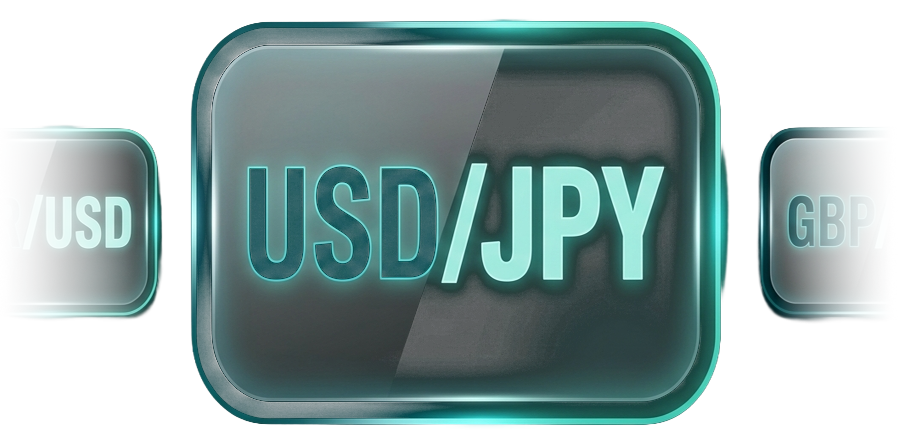
Select a Trading Symbol
Selects a currency pair, for example USD/JPY.
Log In & Place Your Trade
The user then logs into their account to execute the trade.
Frequently Asked Questions
How do I use TradingView charts on Connext?
1. The user opens the ConnextFX web platform or mobile application. 2. Navigates to the Market section. 3. Selects a currency pair, for example USD/JPY. 4. The chart is displayed with TradingView's advanced charting features. 5. After conducting their analysis, the user decides whether to buy or sell. 6. The user then logs into their account to execute the trade.
How does TradingView support Connext?
TradingView provides its charting and trading technology within the Connext platform, enabling advanced market analysis and the ability to trade directly from the charts.
Can I trade with Connext from the TradingView desktop app?
Trading is not available through the TradingView desktop app. To execute trades, please log in to the Connext platform, where TradingView charts are integrated.
Which markets can I trade with Connext using TradingView charts?
You can trade all markets supported by Connext including: FX pairs and CFDs on Metals, Indices, Commodities, Crypto pairs, and Stocks.
How can I access more TradingView features?
Step into a new level of trading excellence with TradingView advanced charting tools and Connext ultra-fast execution and competitive pricing. Trade with confidence at any time, anywhere.
Kickstart Your Trading Journey with TradingView Charts
Step into a new level of trading excellence with TradingView advanced charting tools and Connext ultra-fast execution and competitive pricing. Trade with confidence at any time, anywhere.
Explore the TradingView Advanced Chart
Explore market trends with advanced TradingView charts. Apply indicators, switch between symbols, and study price action in a seamless charting experience.